Tag: content batching
-
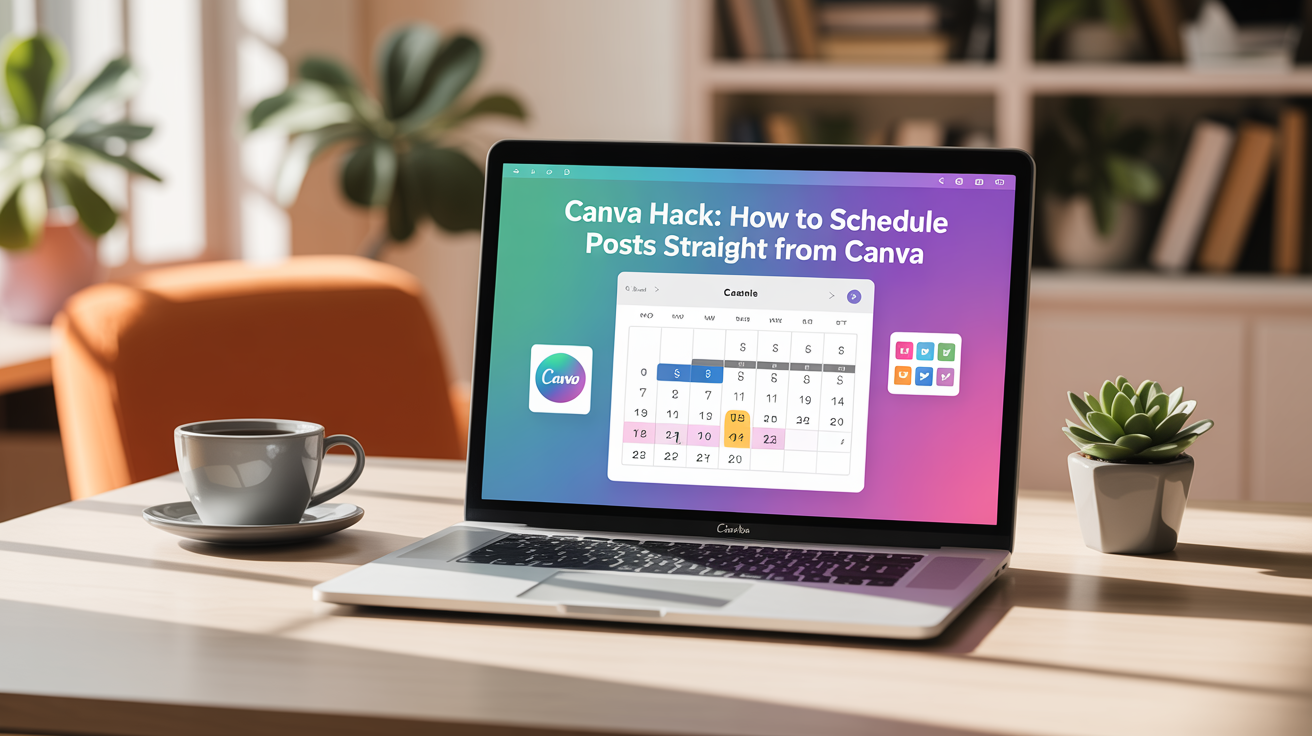
Canva Hack: How to Schedule Posts Straight from Canva
Canva’s Content Planner lets you create, schedule, and publish social posts without downloading images or paying for a separate scheduler. Schedule posts right from the editor, batch-create content, and let your social media run on autopilot while you focus on other parts of your business. Why use Canva’s Content Planner? Quick overview of the process…
-
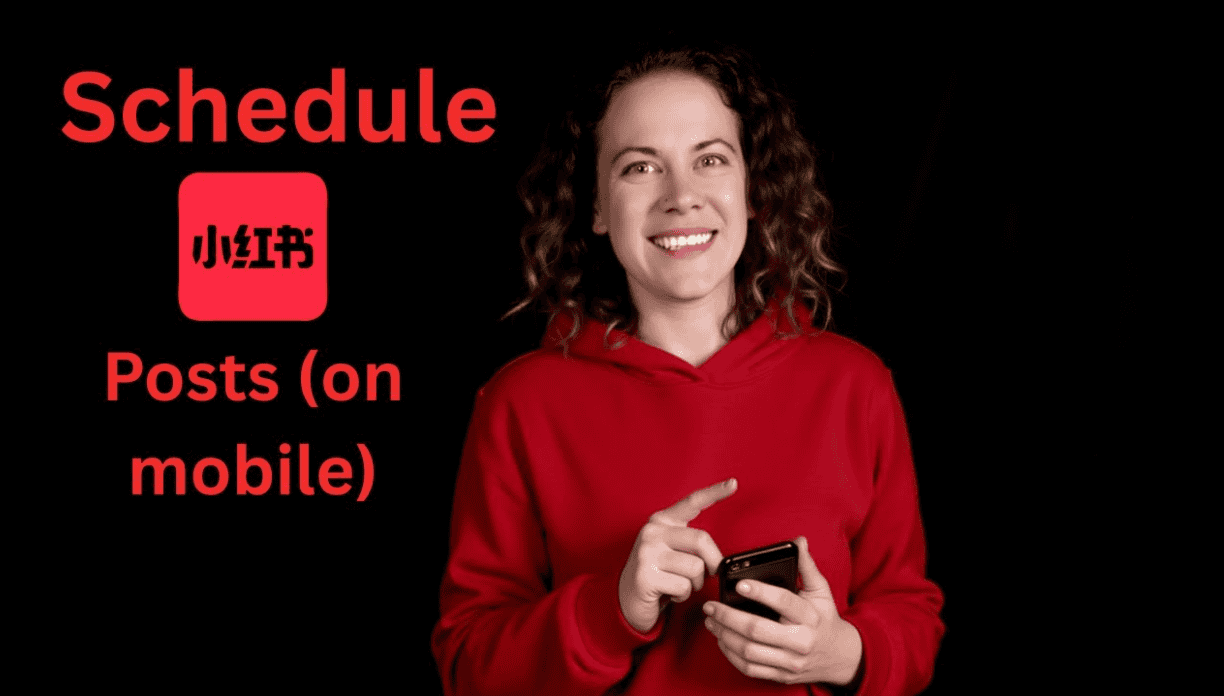
How to Schedule Xiaohongshu (Red Note / Red Book) Posts on Your Phone
Scheduling posts on Xiaohongshu is a simple way to keep your account active even when you are busy. The process takes only a few taps: choose your image, edit, add your caption, then pick a time and date. Below is a clear, step-by-step guide that shows exactly what to do and a few quick tips…
-

Canva Hack: How to Schedule Posts Straight from Canva
Scheduling social media posts directly from Canva lets you create, schedule, and publish without downloading images or paying for another tool. If you already use Canva to design images, adding scheduling to your workflow transforms content creation into a true batch-and-forget system. Below is a clear, practical guide to set this up and start automating…