Tag: social media automation
-
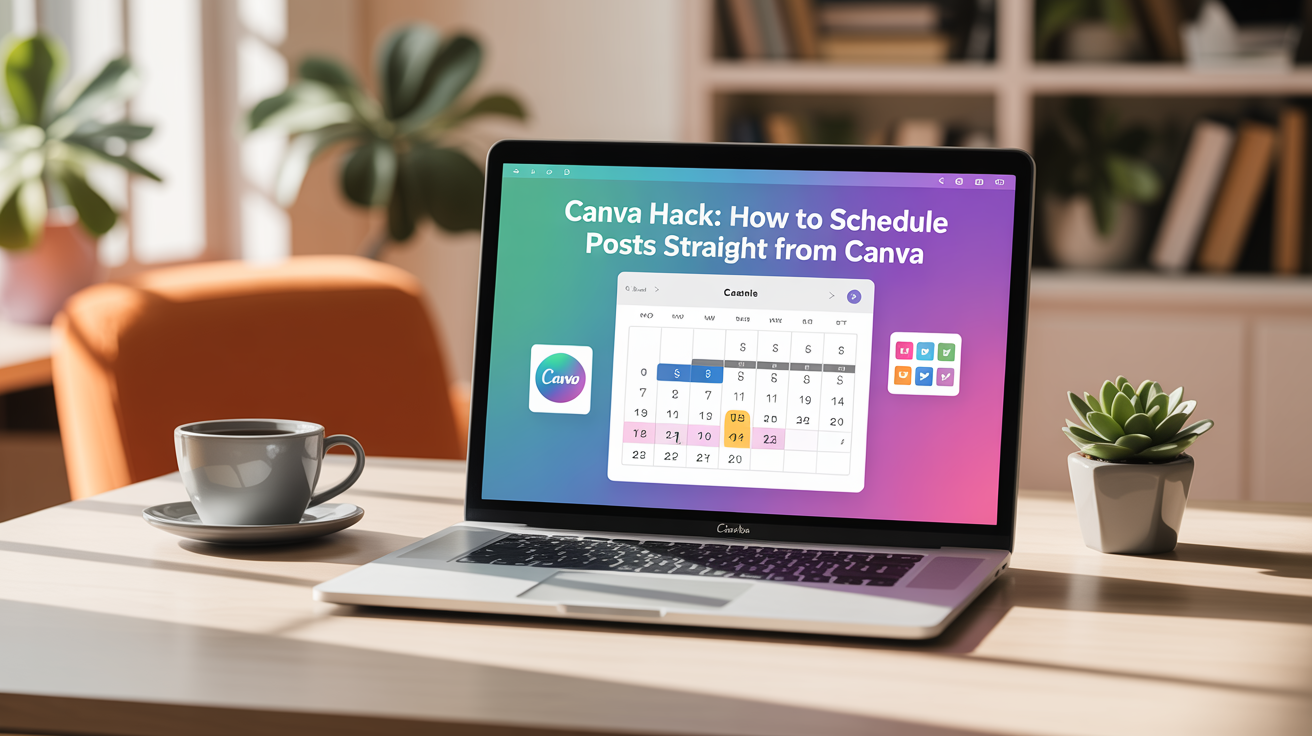
Canva Hack: How to Schedule Posts Straight from Canva
Canva’s Content Planner lets you create, schedule, and publish social posts without downloading images or paying for a separate scheduler. Schedule posts right from the editor, batch-create content, and let your social media run on autopilot while you focus on other parts of your business. Why use Canva’s Content Planner? Quick overview of the process…
-

How to Schedule Xiaohongshu (Red Note / Red Book) Posts on Your Phone
Scheduling posts on Xiaohongshu is a simple way to keep your account active even when you are busy. The process takes only a few taps: choose your image, edit, add your caption, then pick a time and date. Below is a clear, step-by-step guide that shows exactly what to do and a few quick tips…
-
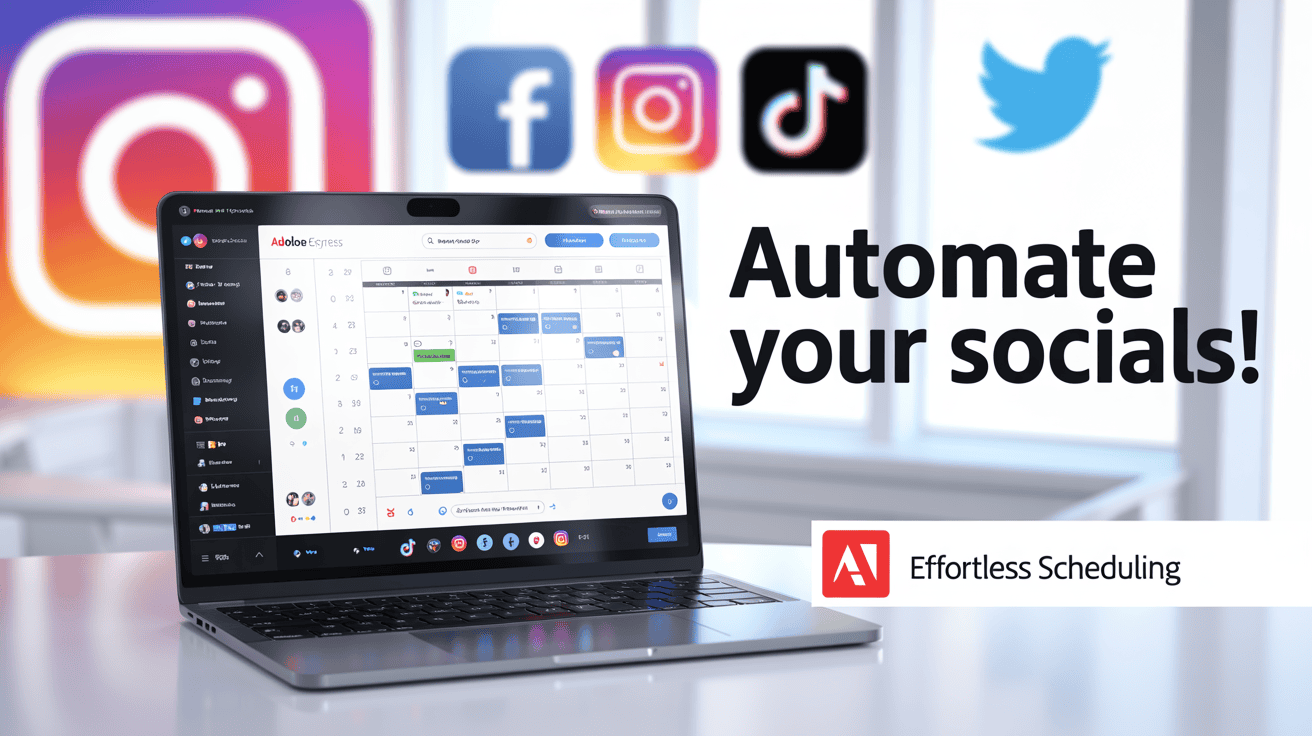
Adobe Express Content Scheduler Tutorial: How to Schedule Social Media Posts for Free
Learn how to use the Adobe Express Content Scheduler to create, schedule, and publish social media posts for free. This step-by-step tutorial covers Instagram carousels, Facebook, captions, account connections, and current 2026 free-plan limits.