Category: Social media
-

What to Teach in ESL Classes in December (That Actually Works)
December can feel like a teaching minefield: families are busy, not every student celebrates the same holidays, and there is no time to rebuild your curriculum. Yet this month also offers a huge opportunity to boost engagement, show real progress, and grow your studio. With a little planning and a few seasonal “wrappers,” you can…
-
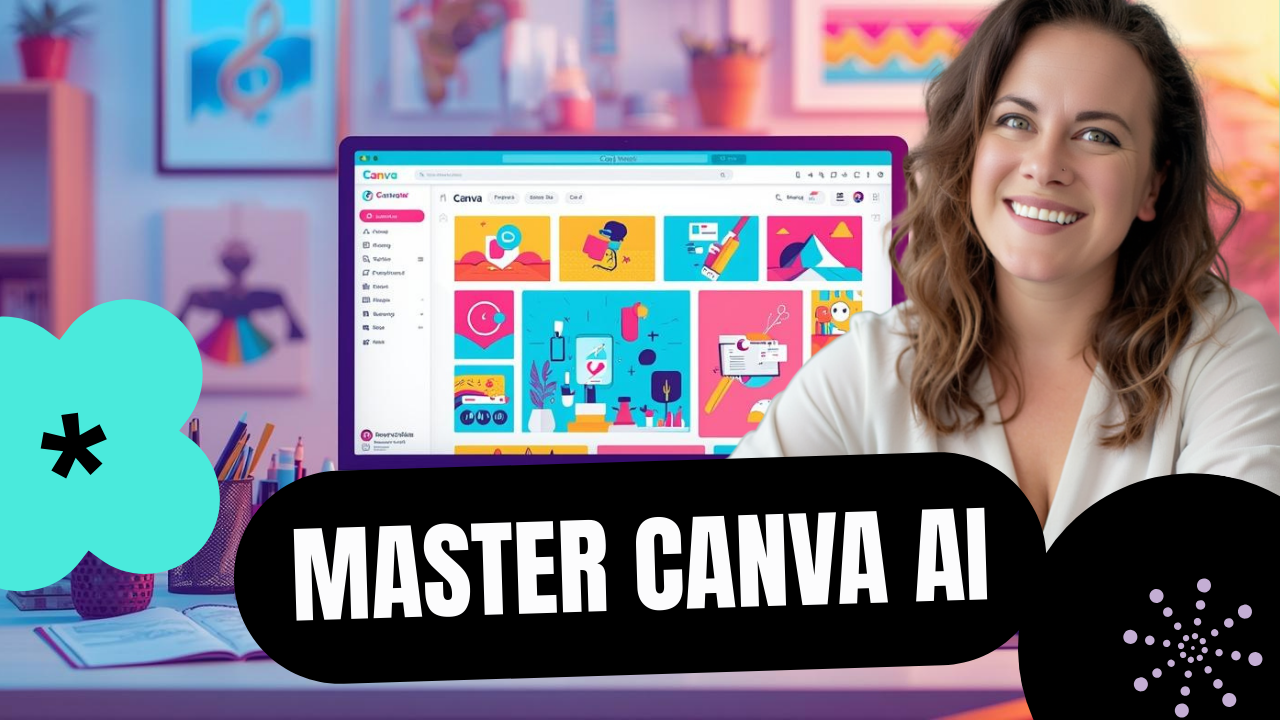
How To Use Canva AI to Speed Up Social Media Design
Canva AI can save hours of design time by generating ready-to-edit graphics for YouTube thumbnails, Pinterest pins, Facebook posts, and even full presentations. With a few simple prompts and your brand kit, you can produce multiple, polished options and then fine-tune them in the Canva editor. Quick start: where to find Canva AI Open Canva…
-
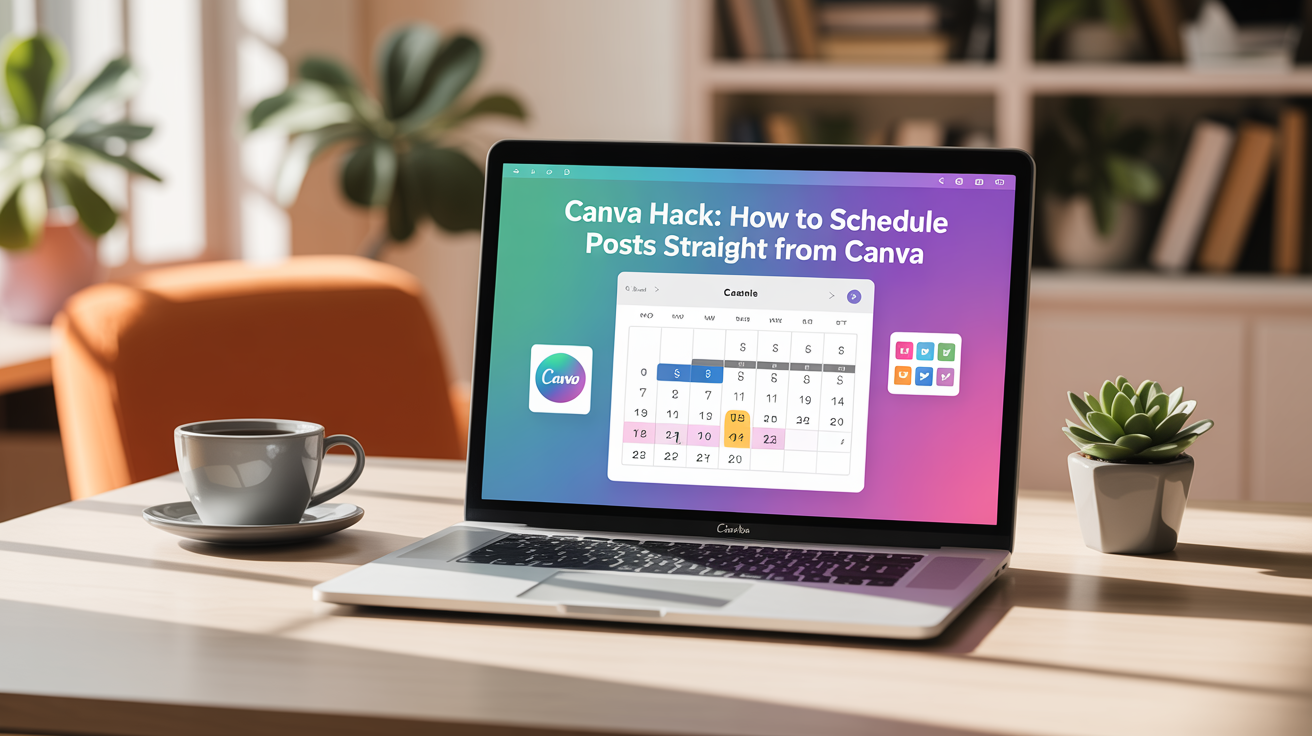
Canva Hack: How to Schedule Posts Straight from Canva
Canva’s Content Planner lets you create, schedule, and publish social posts without downloading images or paying for a separate scheduler. Schedule posts right from the editor, batch-create content, and let your social media run on autopilot while you focus on other parts of your business. Why use Canva’s Content Planner? Quick overview of the process…
-

How Facebook Monetization Works: A Practical Guide for Creators (2025)
Facebook can pay creators, but the mechanics are less about tricks and more about clear strategy. Growth that lasts comes from understanding how the platform chooses who sees your posts, what signals it rewards, and how to behave like a creator instead of a consumer. This guide walks through the things that actually matter, myths…
-
How to Make Money as a Content Creator: Amy Jackson’s Actual Advice
Introduction Before Amy Jackson ever went live, she had already posted that she makes $20,000–$30,000 a month on Facebook alone. Naturally, everyone wanted to know how she actually does it. So she went live and walked through her entire process — from where to start, to what to post, to how she monetizes. Let’s break…
-
How to Schedule Notes and Posts on Xiaohongshu from a Computer
Scheduling posts on Xiaohongshu from your desktop is a small productivity win that saves time and helps keep your content consistent. The process is straightforward once you know the key steps: connect your app, make sure the site is translated, choose the right content type, and pick a scheduled release time. Below is a practical,…
-
Adobe Express Tutorial: How to Automate Your Social Media Posts
Not using Canva Pro? You can still create beautiful content and schedule it across social platforms using Adobe Express. It offers a familiar, drag-and-drop design experience plus built-in scheduling—often with cleaner post delivery than other tools. Below is a practical, step-by-step guide to designing an Instagram carousel and scheduling it to Instagram and Facebook using…
-
Canva Hack: How to Schedule Posts Straight from Canva
Scheduling social media posts directly from Canva lets you create, schedule, and publish without downloading images or paying for another tool. If you already use Canva to design images, adding scheduling to your workflow transforms content creation into a true batch-and-forget system. Below is a clear, practical guide to set this up and start automating…
-
How to Auto-Publish Instagram Carousels From Canva
Want to post Instagram carousels consistently without doing it manually? In this video, I’ll show you exactly how to auto-schedule IG carousels directly from Canva — no extra apps, no copy/pasting, no reminders. You’ll learn: ✔️ How to design your carousel in Canva ✔️ How to add your Instagram account to Canva ✔️ How to…